Payload installation
Upload the Project Files
Section titled “Upload the Project Files”-
Upload the project files Upload the Project Files First, upload the botify.zip file to your VPS using FTP, SCP, or your preferred file transfer method
scp main.zip root@your-server-ip:/var/www/ -
Unzip the Project Once uploaded
cd /var/www/sudo unzip botify.zip -d payloadcms -
Navigate to the Project Directory
cd /var/www/payloadcms -
Update the .env File Open the
.envfile located in the root directory and update it with the correct credentials and configuration valuesDATABASE_URI=postgresql://<your_database_user_here>:<your_password_here>@localhost:5432/<your_database_name>PAYLOAD_SECRET=<your_secret_here>GOOGLE_API_KEY=AIzaSyBxmm-<your_Google_api_here>NEXT_PUBLIC_SERVER_URL=http://localhost:3000SMTP_HOST= <your_host_here>SMTP_USER=<your_smtp_here>SMTP_PASS=<your_password_here> -
Run the following command to install all project dependencies
pnpm i -
Compile the Payload project for production:
pnpm build -
Apply database schema changes using Payload’s migration system::
pnpm payload migrate -
You can now start the application using:
pnpm start -
To keep your Node.js application running continuously in the background, use PM2: For installation pm2 instruction visit https://pm2.io/docs/runtime/guide/installation/
pm2 start pnpm -- start
Payload CMS Installation with Docker
Section titled “Payload CMS Installation with Docker”Note: Payload CMS Docker installation requires an extended license. Please contact us for more details.
-
Upload the Project Files First, upload the botify.zip file to your VPS using FTP, SCP, or your preferred file transfer method
scp payloadcms.zip root@your-server-ip:/var/www/ -
Unzip the Project Once uploaded
cd /var/www/sudo unzip payloadcms.zip -d payloadcms -
Navigate to the Project Directory
cd /var/www/payloadcms -
Start the Application Using Docker
sudo docker compose build up -d -
Verify Containers are Running
sudo docker psYou should see containers for:
- payloadcms-web (Next.js app)
-
Access the Application
Successhttp://yourdomain.comYou will be automatically redirected to the Onboarding Page.- Your Payload CMMS app is now successfully installed and running in a secure, Dockerized environment.
-
Create Admin Acoount
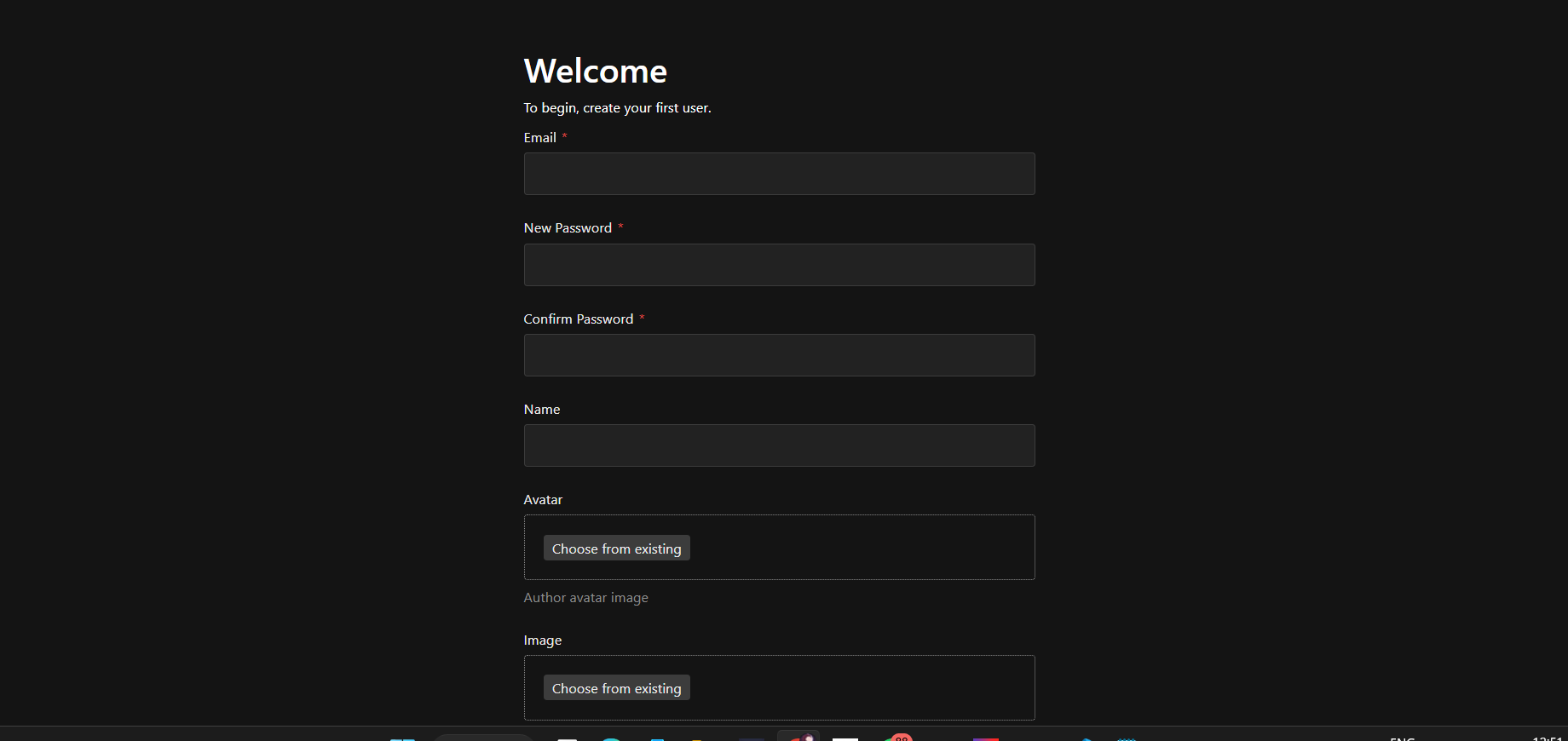
From Here, you can create your first user account, which will be assigned administrator privileges.